how to transfer money via apple pay
熊猫速汇PandaRemit - 2025-12-31 19:02:32.0 8
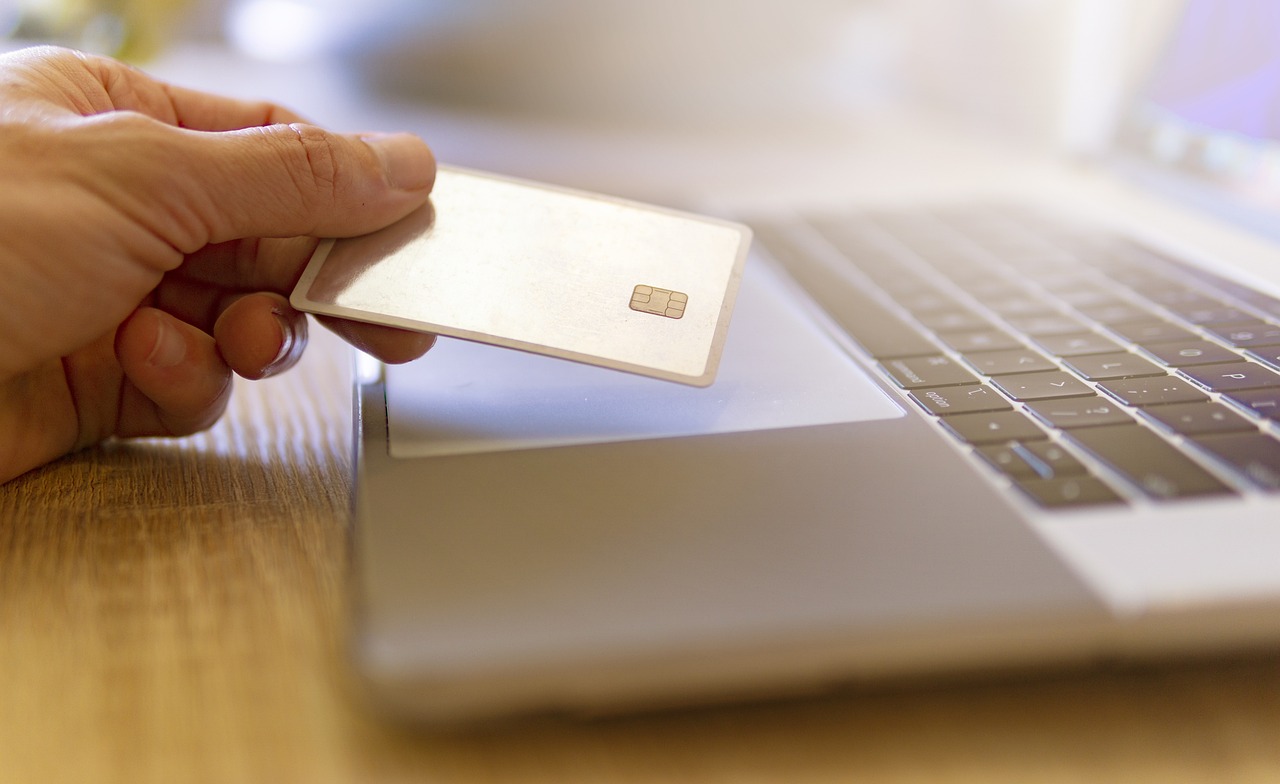
To transfer money via Apple Pay, simply open your Apple Wallet or Messages app, select your recipient, and authenticate with Face ID or Touch ID. For international transfers, linking Apple Pay to a specialized service like Panda Remit is the most efficient method. This combination ensures your funds arrive in as little as 2 minutes (Lightning-Fast Transfers) while maintaining bank-grade SSL encryption and strict compliance under the Monetary Authority of Singapore (MAS) (Regulated & Secure).
Step-by-Step: Sending Money Globally with Apple Pay Integration
While Apple Cash handles domestic P2P transfers in select regions, sending money internationally from Singapore requires a bridge to global banking networks. Follow this 3-step guide to ensure your money moves instantly and securely.
1. Set Up Your Digital Wallet
Ensure your debit or credit card is added to your Apple Wallet. Open the Wallet app on your iPhone, tap the "+" sign, and follow the prompts to verify your card. This acts as the funding source for your transfer.
2. Select a Regulated Remittance Partner
Download the Panda Remit app. As a Major Payment Institution licensed by the MAS (License No. PS20200501), Panda Remit allows you to fund transfers securely. While PayNow is a popular local option, using your mobile wallet integration ensures a seamless checkout experience without manually entering card details.
3. Enter Details and Confirm Transfer
Input the amount you wish to send. You will see the real-time exchange rate and the exact amount your recipient will get. Select your payment method, authenticate via Apple Pay (Face ID/Touch ID), and confirm. Thanks to our 24/7 real-time processing, your funds can reach destinations like China (Alipay/WeChat), India, or Malaysia in just minutes.
Comparison: Panda Remit vs. Singapore Competitors
When deciding how to transfer money via apple pay or other digital methods, speed and cost are critical. Here is how Panda Remit compares to other major players in the Singapore market.
| Feature | Panda Remit | Wise | DBS Remit | Singtel Dash |
|---|---|---|---|---|
| Transfer Speed | As little as 2 minutes (24/7 processing) | Varies (Minutes to 2 days) | Same day (Cut-off times apply) | Instant to select partners |
| Exchange Rates | Competitive (Better than banks) | Mid-market rate | Bank rate (Often includes markup) | Standard FX rates |
| Fees | Zero hidden fees (Free first transfer) | Variable percentage fee | $0 transfer fee (FX markup applies) | Transaction fees apply |
| Regulation | MAS Licensed (PS20200501) | MAS Licensed | MAS Licensed (Bank) | MAS Licensed |
Why Security Matters in Digital Transfers
When using digital wallets like Apple Pay for high-value transactions, security is non-negotiable. Panda Remit is strictly regulated by the Monetary Authority of Singapore (MAS). We employ multi-layered anti-fraud protocols and bank-grade SSL encryption to ensure every transaction is transparent and safe. Whether you are sending to Alipay in China or a bank account in Europe, your funds are protected by the highest compliance standards.
Explore More on Singapore Remittance
If you are looking to optimize your cross-border payments, you might also be interested in:
- Is Apple Pay the cheapest way to send money overseas? – While convenient, combining it with a provider like Panda Remit ensures you get the best FX rates.
- What is the limit for international transfers via mobile wallets? – Limits vary by provider; Panda Remit offers high limits suitable for personal and business needs.
Ready to experience the fastest way to send money globally? Register with Panda Remit Singapore today and enjoy zero fees on your first remittance.
Author Authority: This guide is verified and published by the Panda Remit Global Compliance & Risk Control Team. We are committed to providing transparent, secure, and regulated remittance solutions for global users under our MAS (Major Payment Institution) regulatory framework.