Singapore to China Remittance: How to Register a Panda Remit Account?
PandaRemit - 401
How to Register a Panda Remit Account?
Do you want to transfer through Panda Remit? Here’s a step by step guide to account registration and document submission.
Registration Process :
Step 1:
Access Panda Remit
Open the Panda Remit App or H5 page
Click [Send Now]
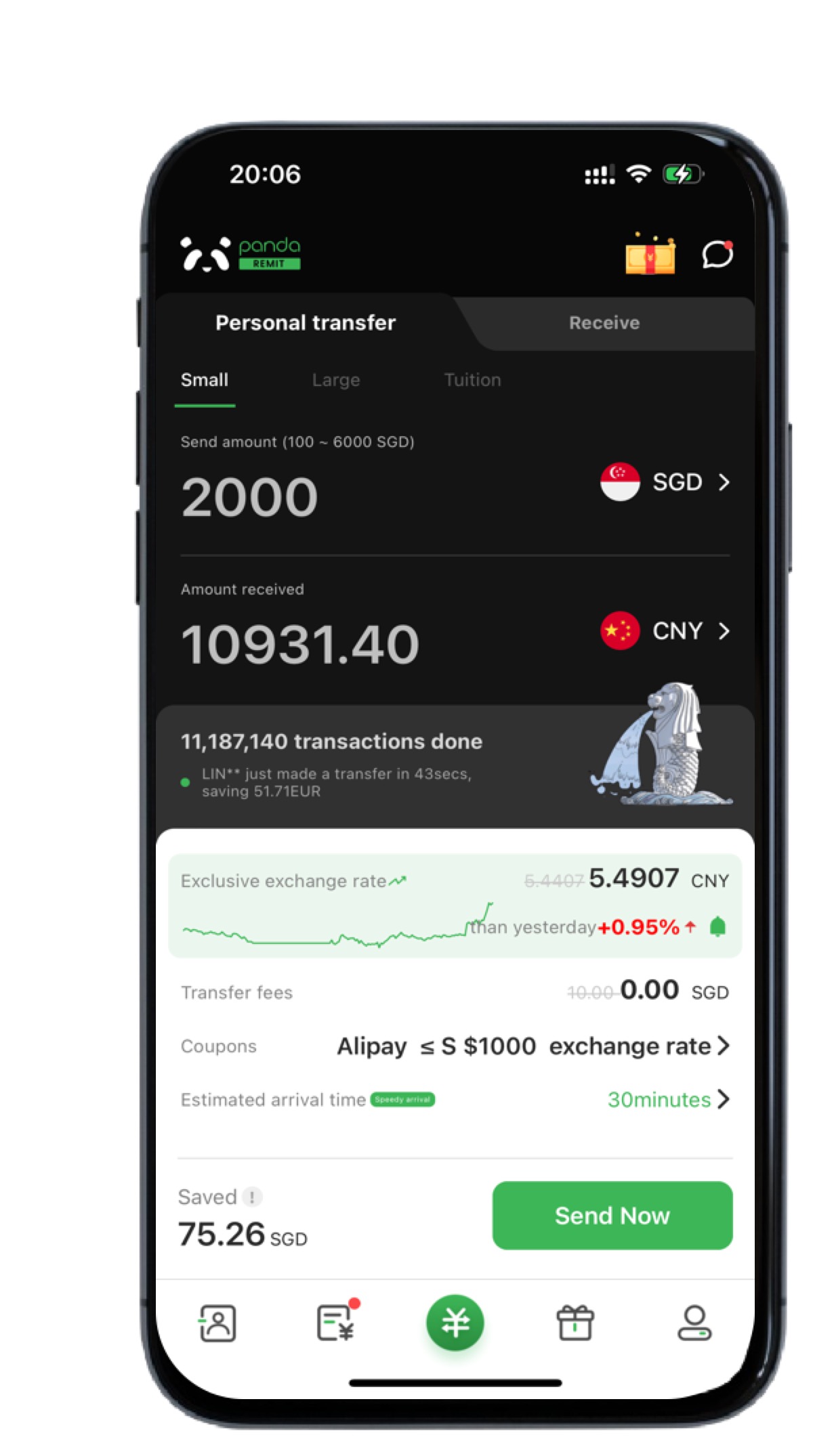
Step 2:
Register Your Account
1. Select [Register]
2. Choose Singapore as your remittance country
3. Enter your mobile number to receive an SMS verification code
4. Input the 6 digit code and click [Register]


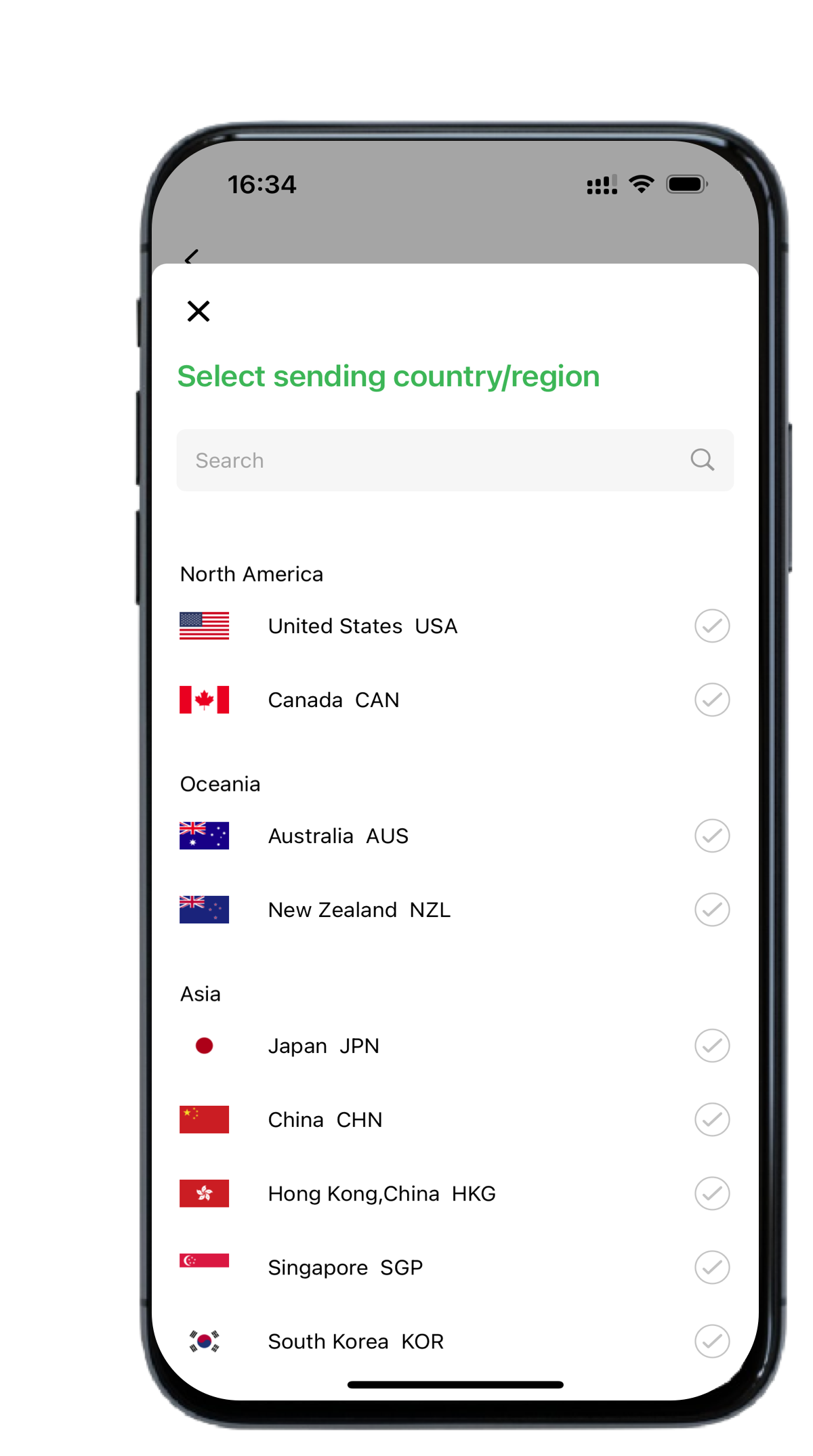

Step 3:
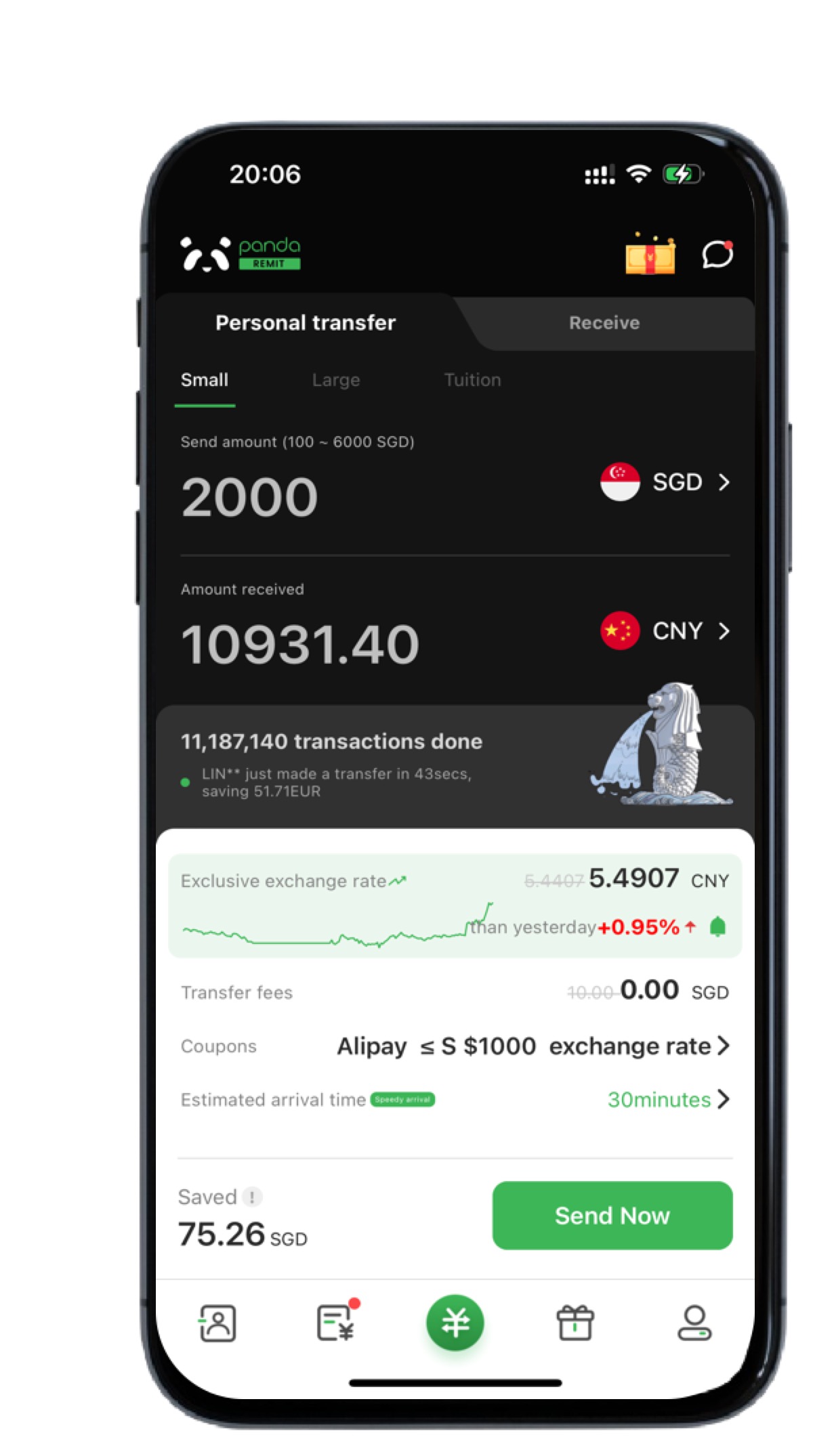
Complete Account Setup
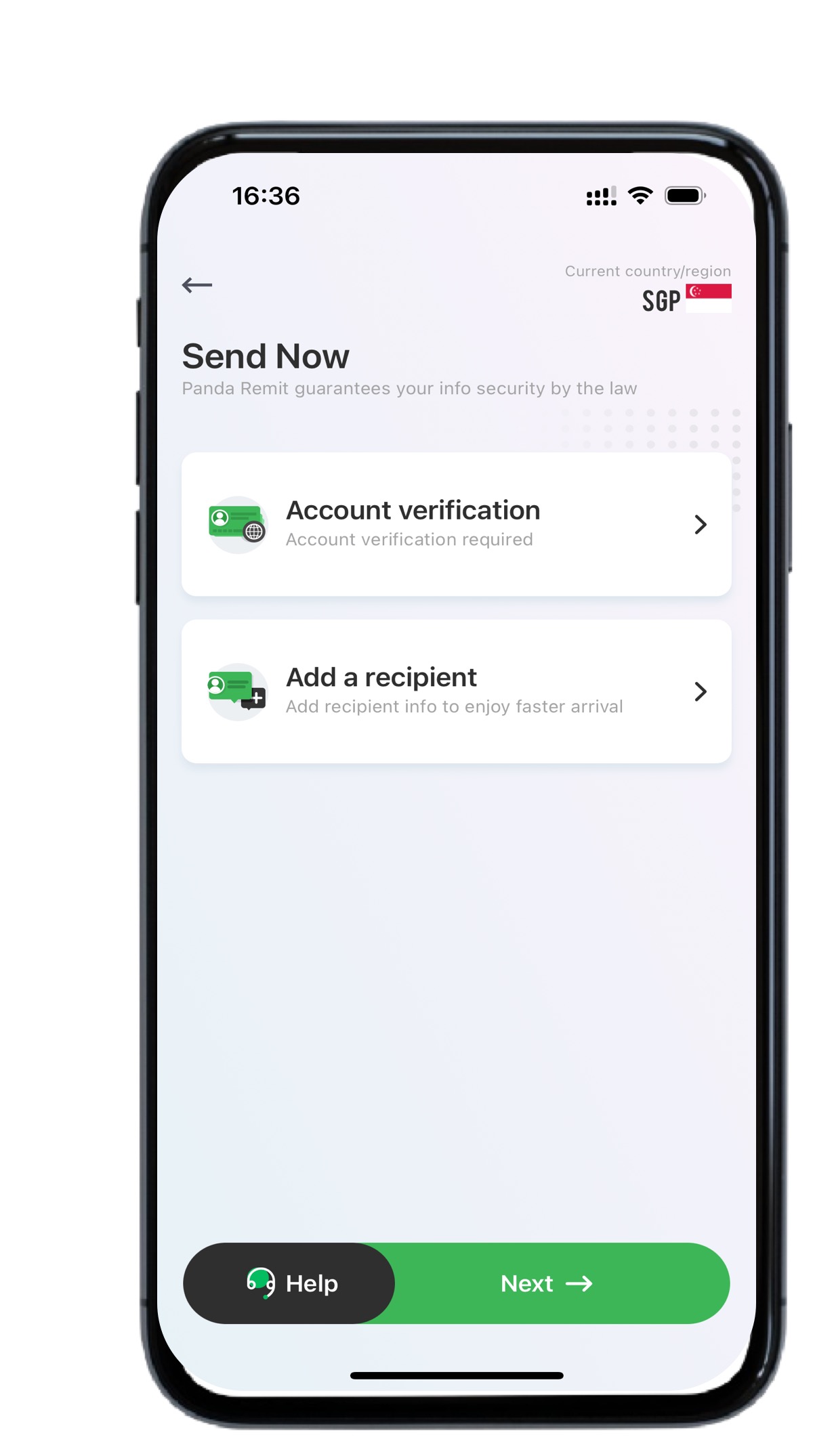
Click [Send Now] to submit your account information.
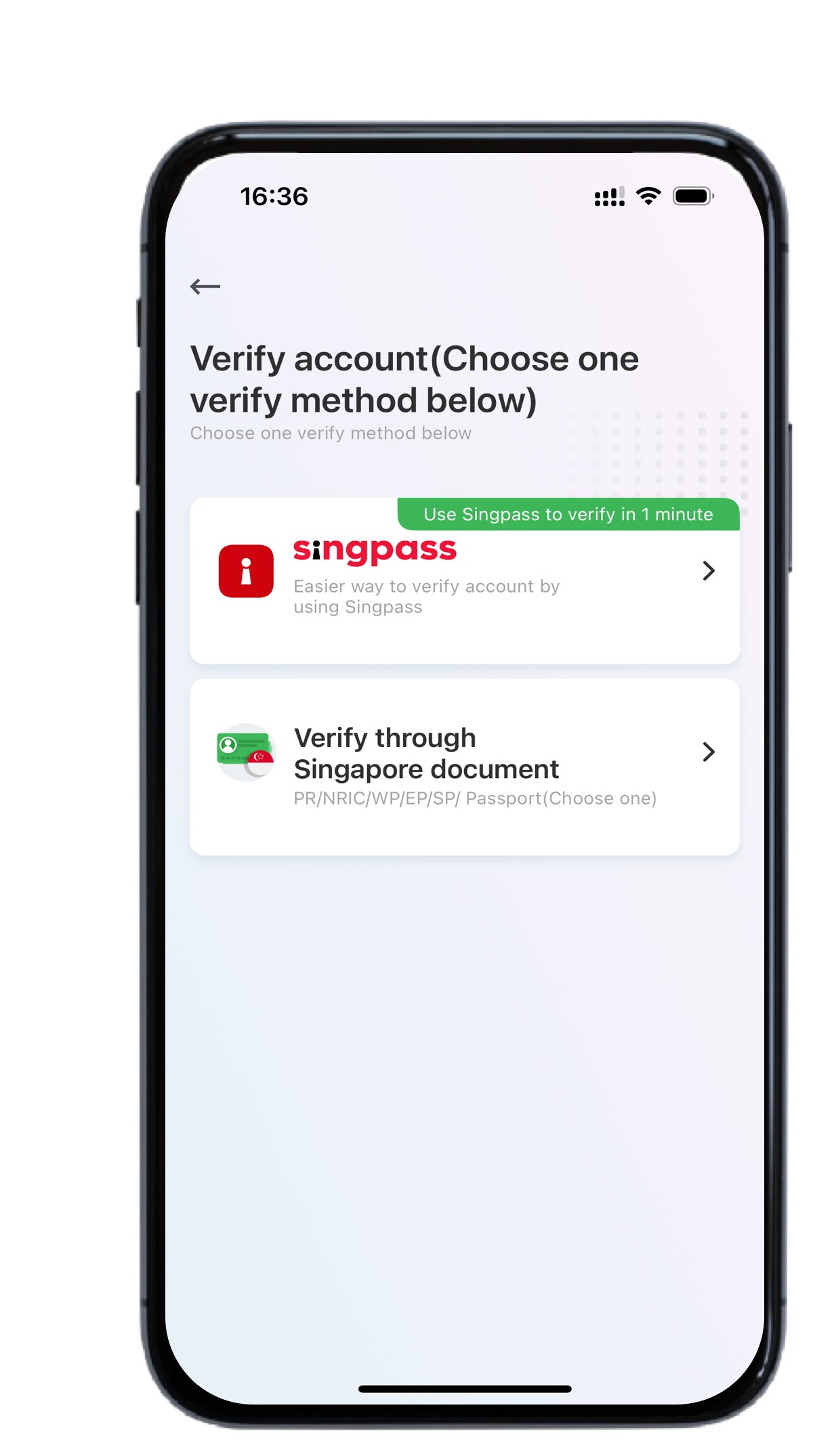
Two Ways to Open an Account
Option 1: SingPass Quick Login (Recommended)
One click authorization via SingPass
If unavailable, proceed with Option 2
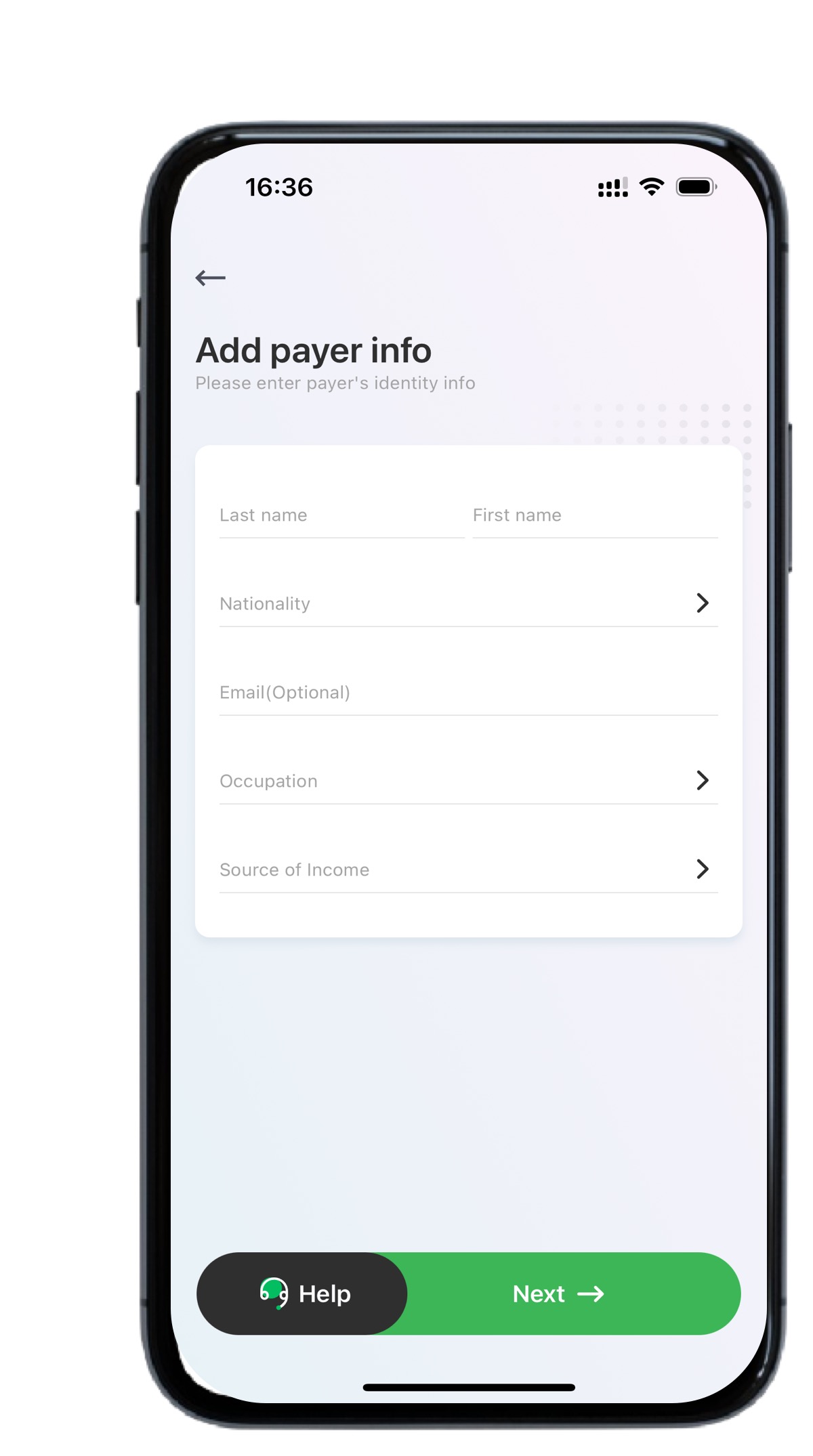
Option 2: Manual Submission
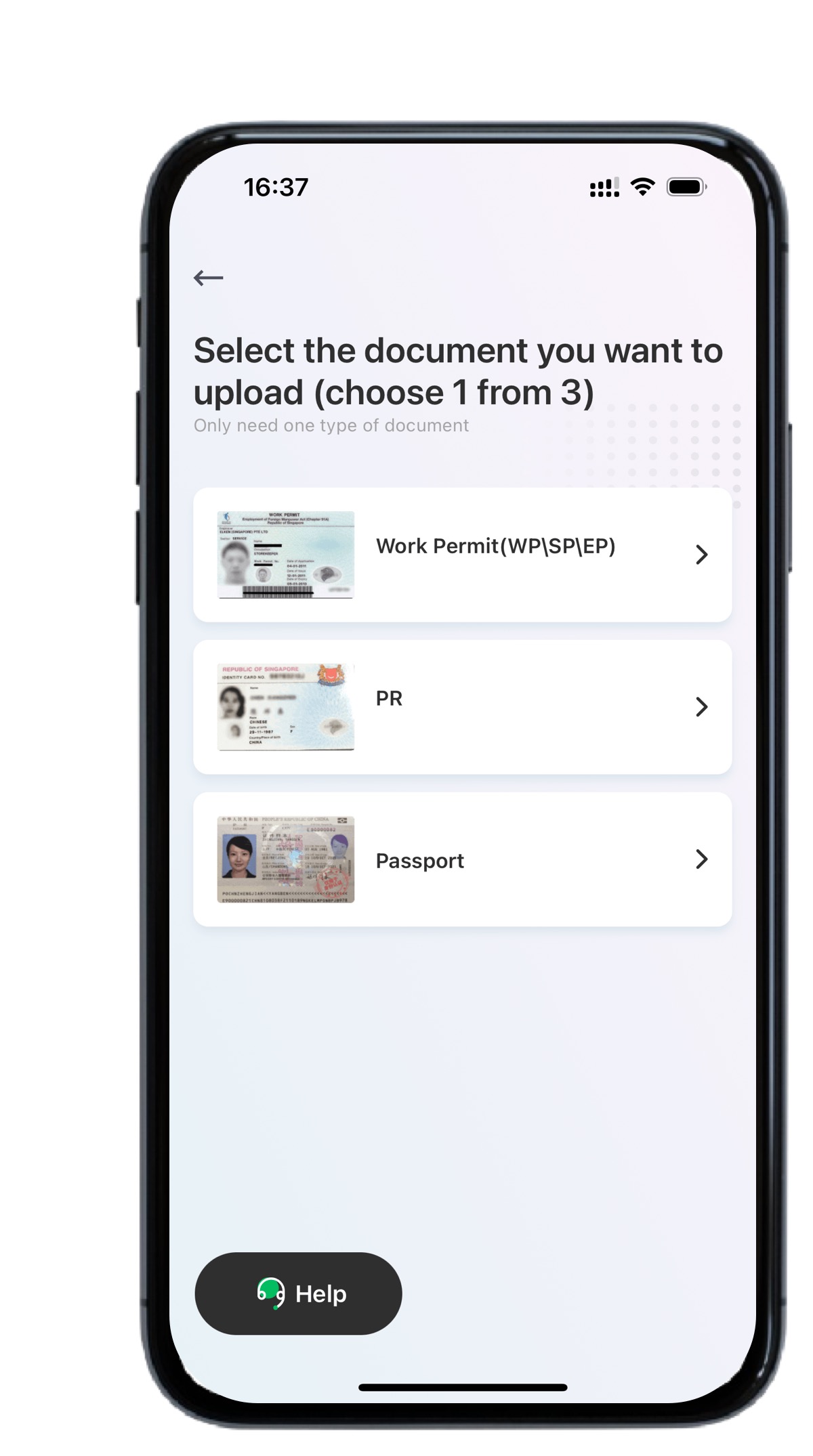
Submit personal details & ID documents :
Singapore Citizens :
NRIC (National Registration Identity Card)
Non Citizens :
Work Pass (WP/SP/EP)
Passport (any country)
PR (Permanent Resident) ID
Notice:
Upload clear, original documents (no copies/screenshots)
Complete facial verification
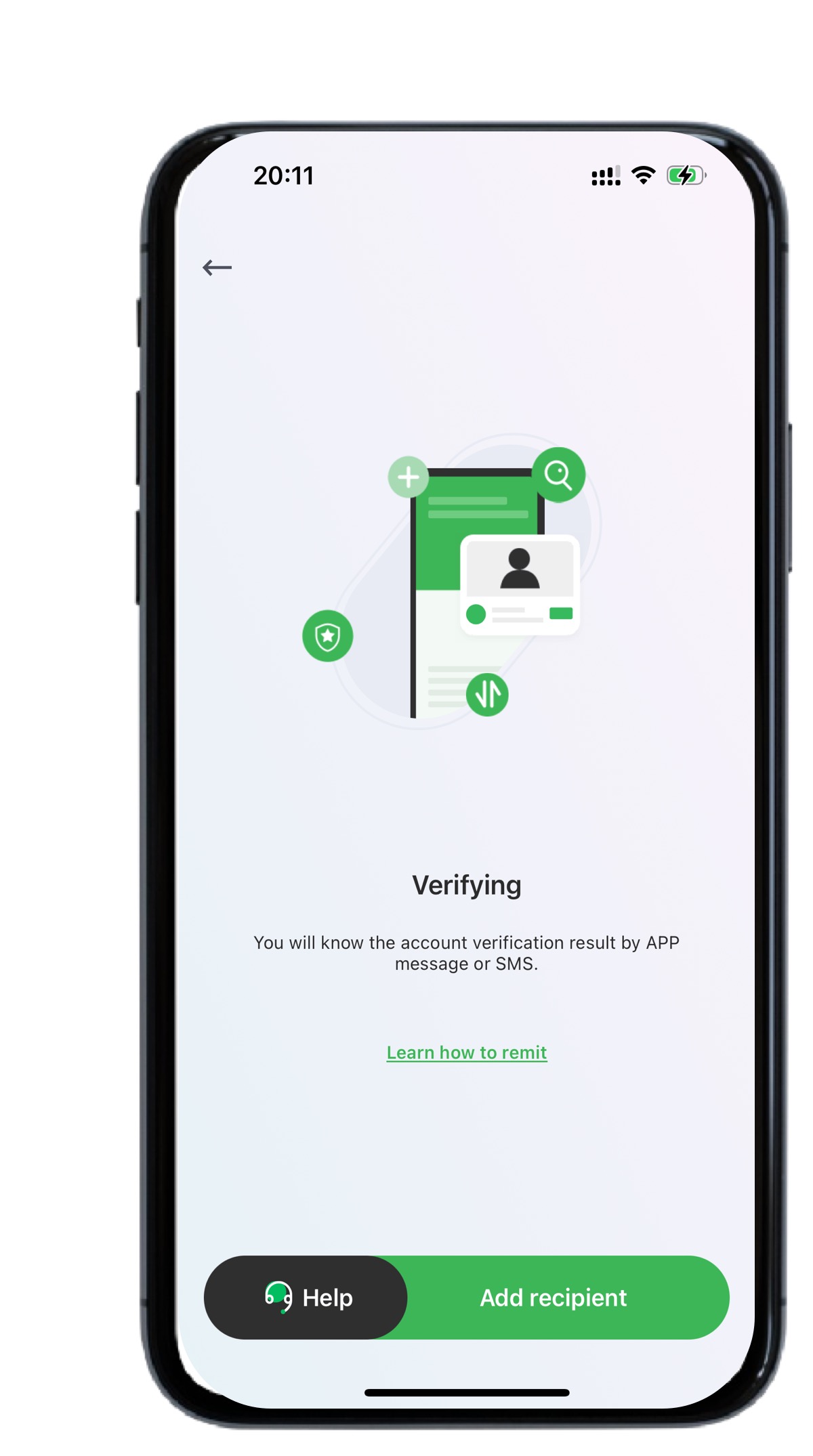
Approval results will be sent via SMS
Step 4:
Add Recipient & Start Transfers!
Once approved:
1. Add recipient details
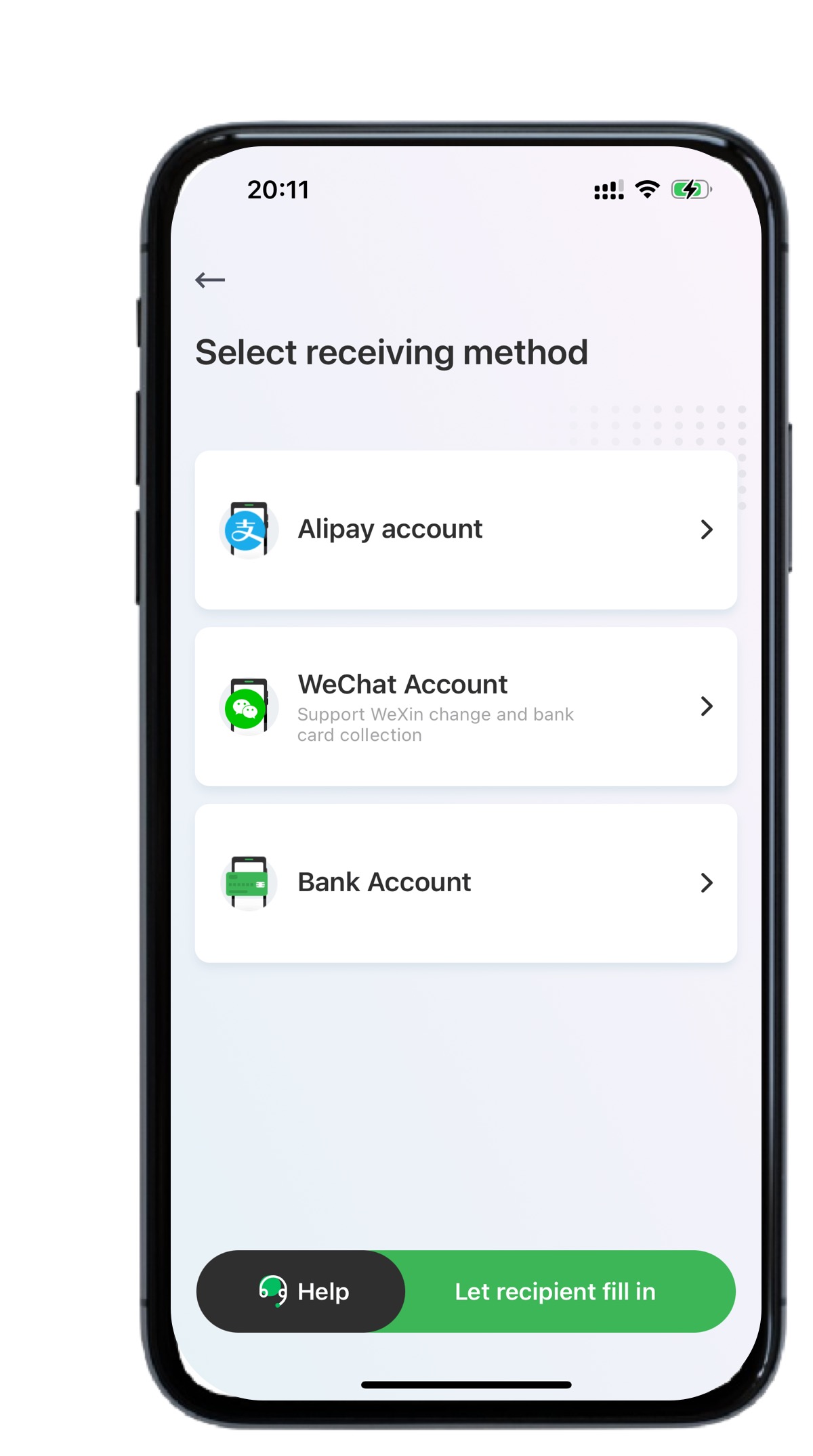
2. Choose from multiple payout options:
Bank card | Alipay | WeChat Pay
Why Register with Panda Remit?
Fast & secure Singapore to China transfers
Competitive exchange rates
24/7 customer support
Get started now! Download the Panda Remit App.
If you have any questions ,please contact support in app or visit [Panda Remit’s official website] (https://www.pandaremit.com).

