How to Use Recipient Profiles?
PandaRemit - 2025-04-05 10:59:44.0 291
Only 4 steps are needed to quickly achieve global remittance!
1. Create your own profile (not the payee's).
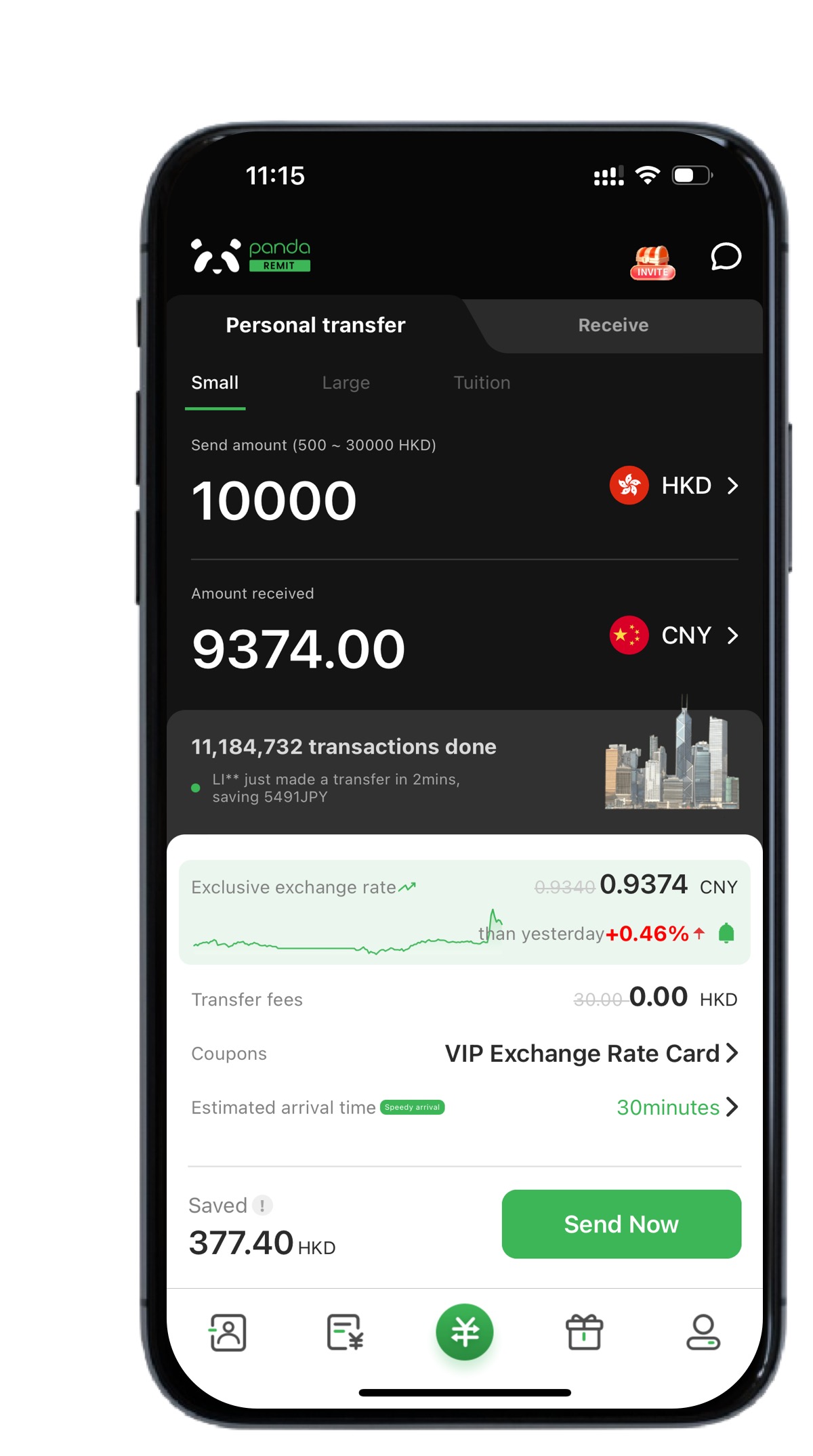
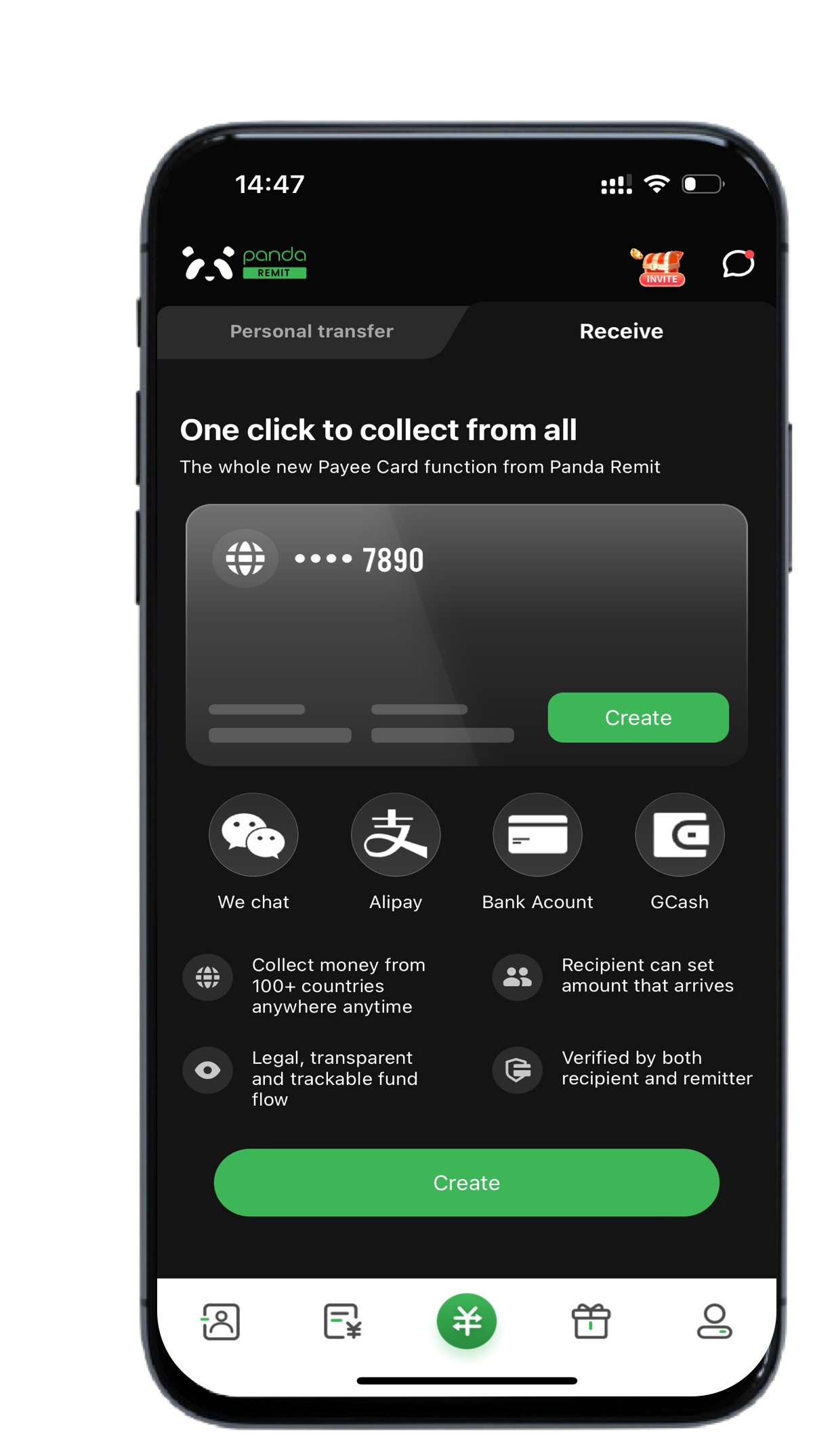
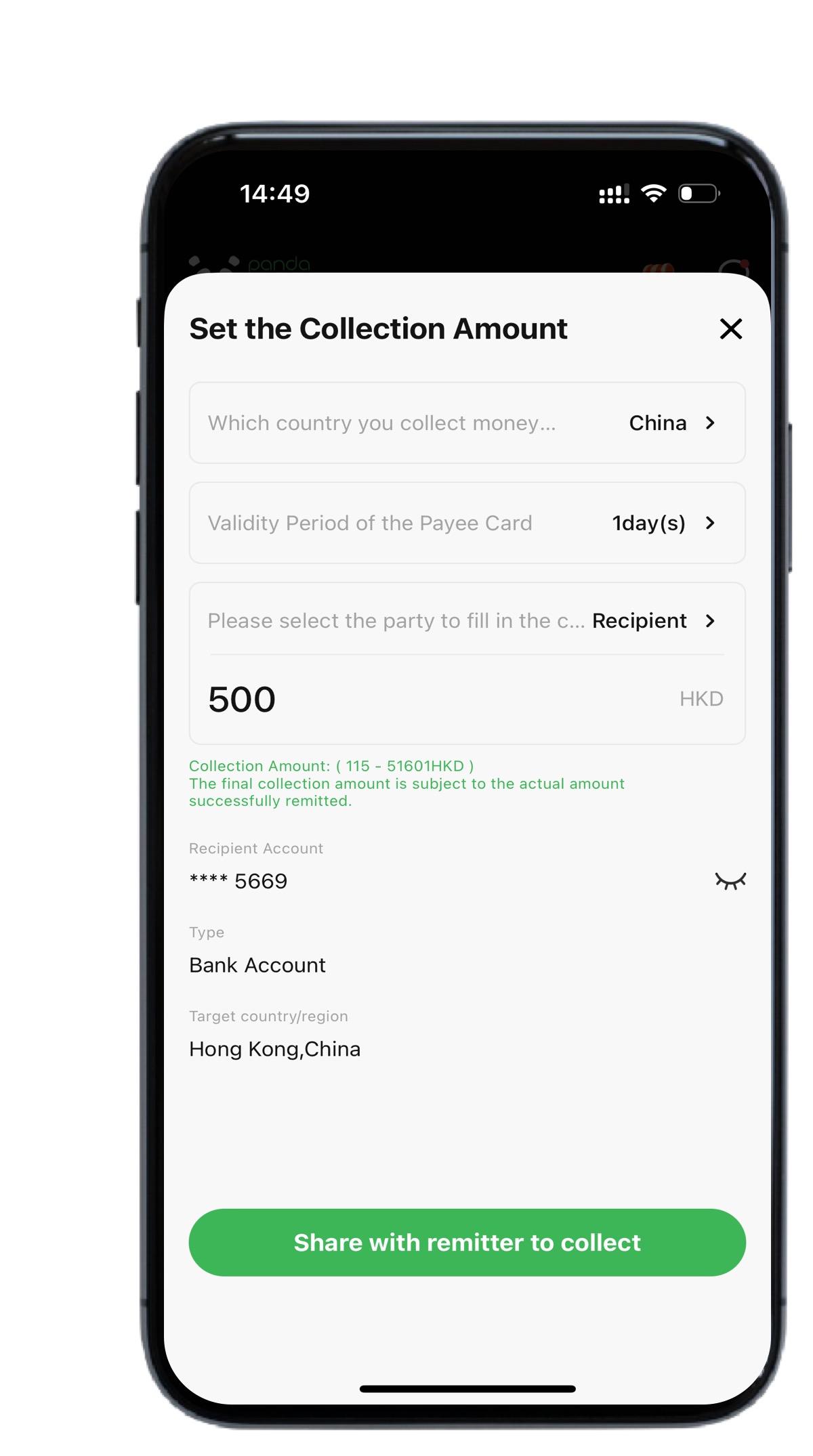
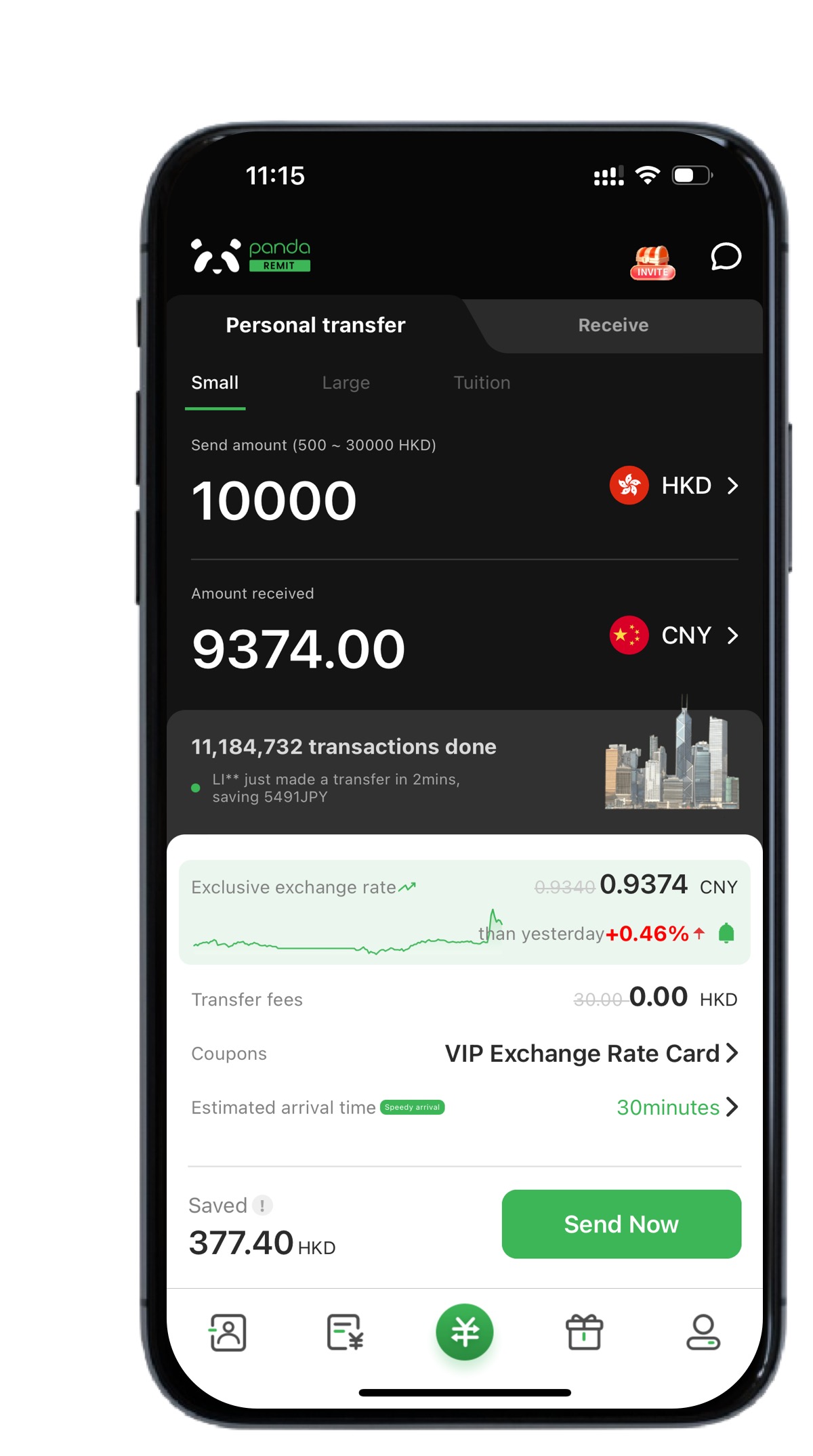
2. Fill in the remittance amount.
3. Share the link with the remitter.
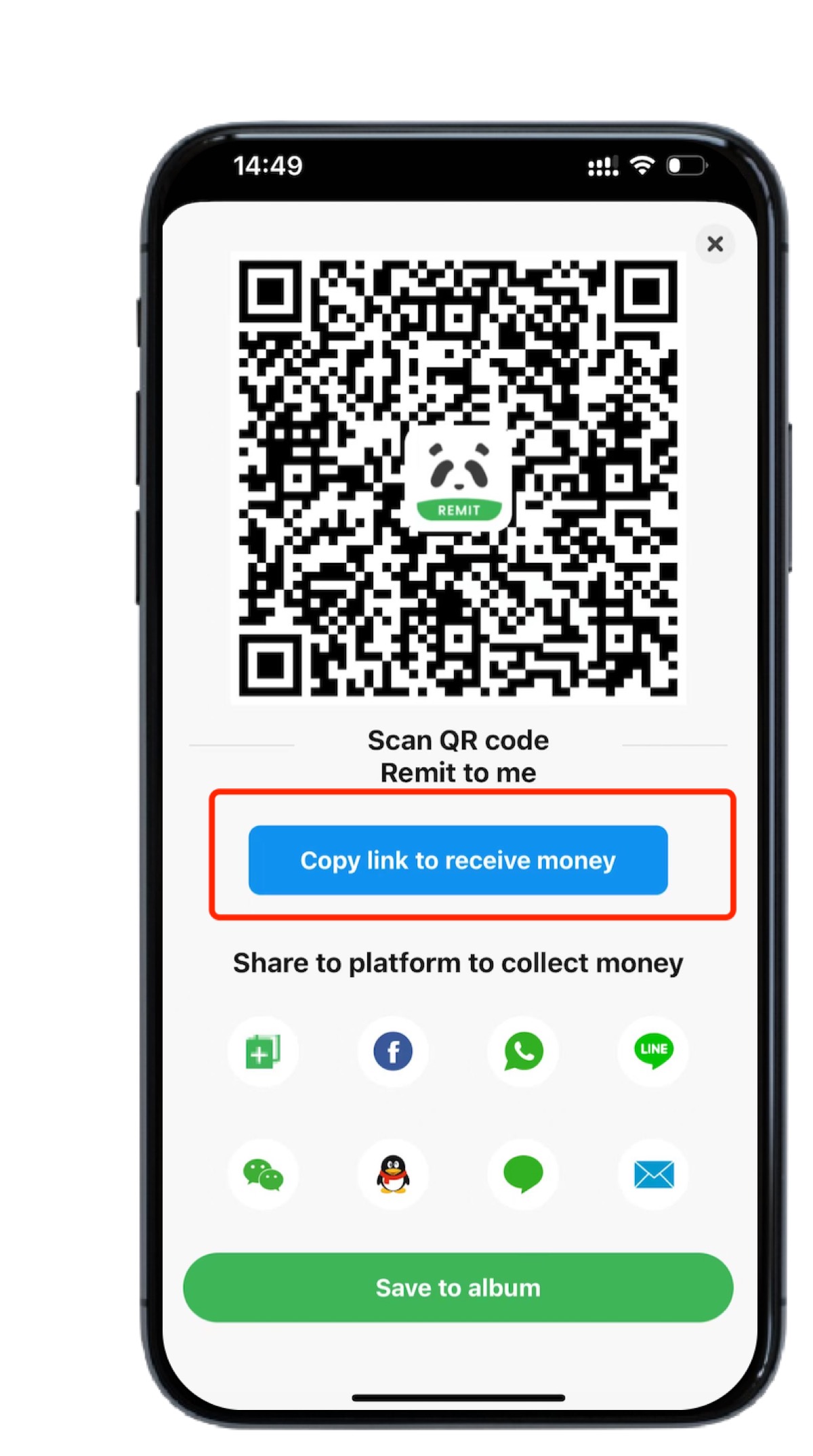
4. The remitter opens the link, logs in to Panda Remit, and transfer to the payee.
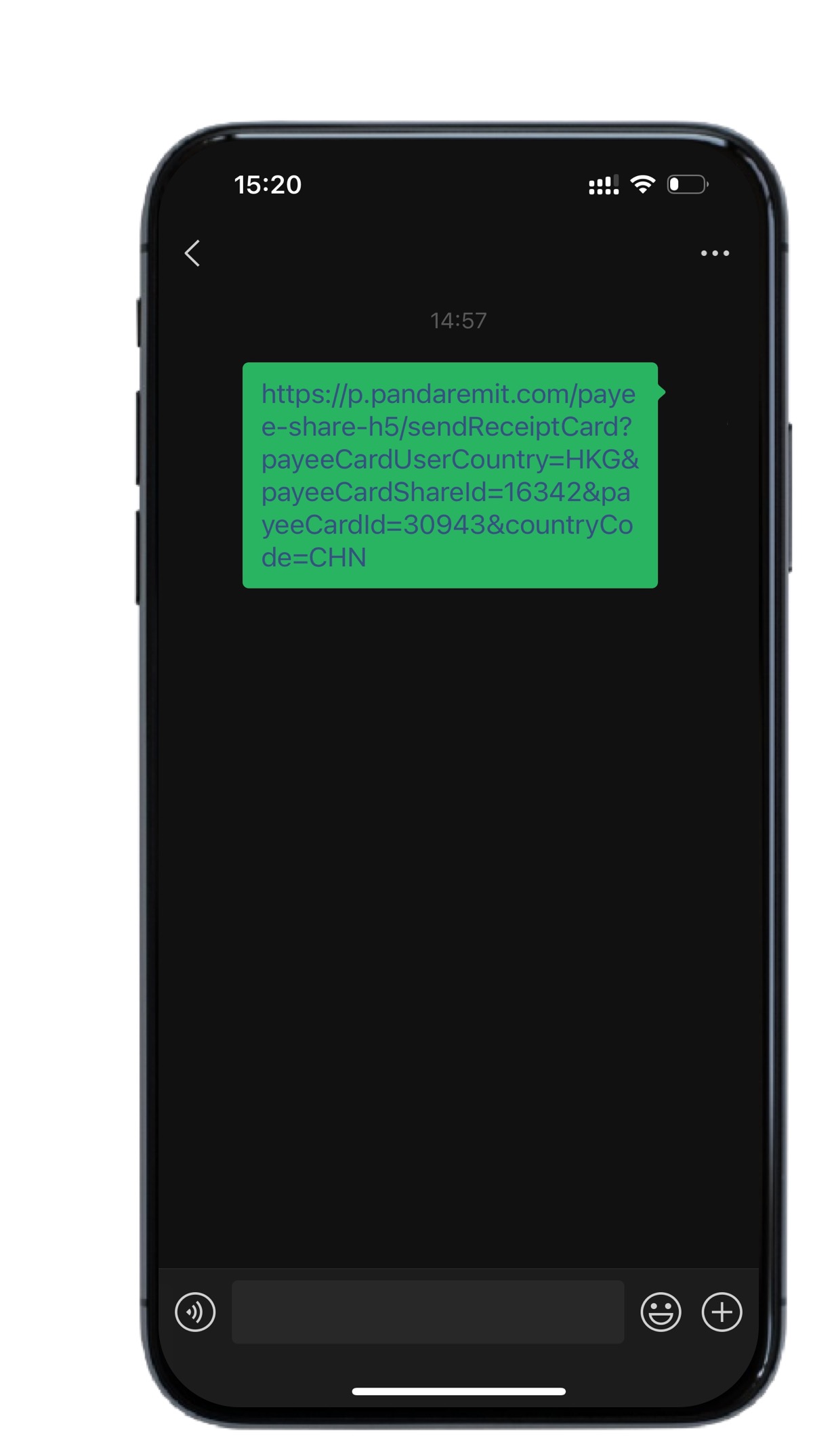
5. After clicking "Send Now"
The remitter enters the Panda Remit H5 page to complete the remittance.
Or the remitter selects the APP and completes the remittance according to the prompts.
01
If you need to add a domestic/local payee
You only need to add the payment method.
Step 1: Click "Receive".
Step 2: Select the required payment method.
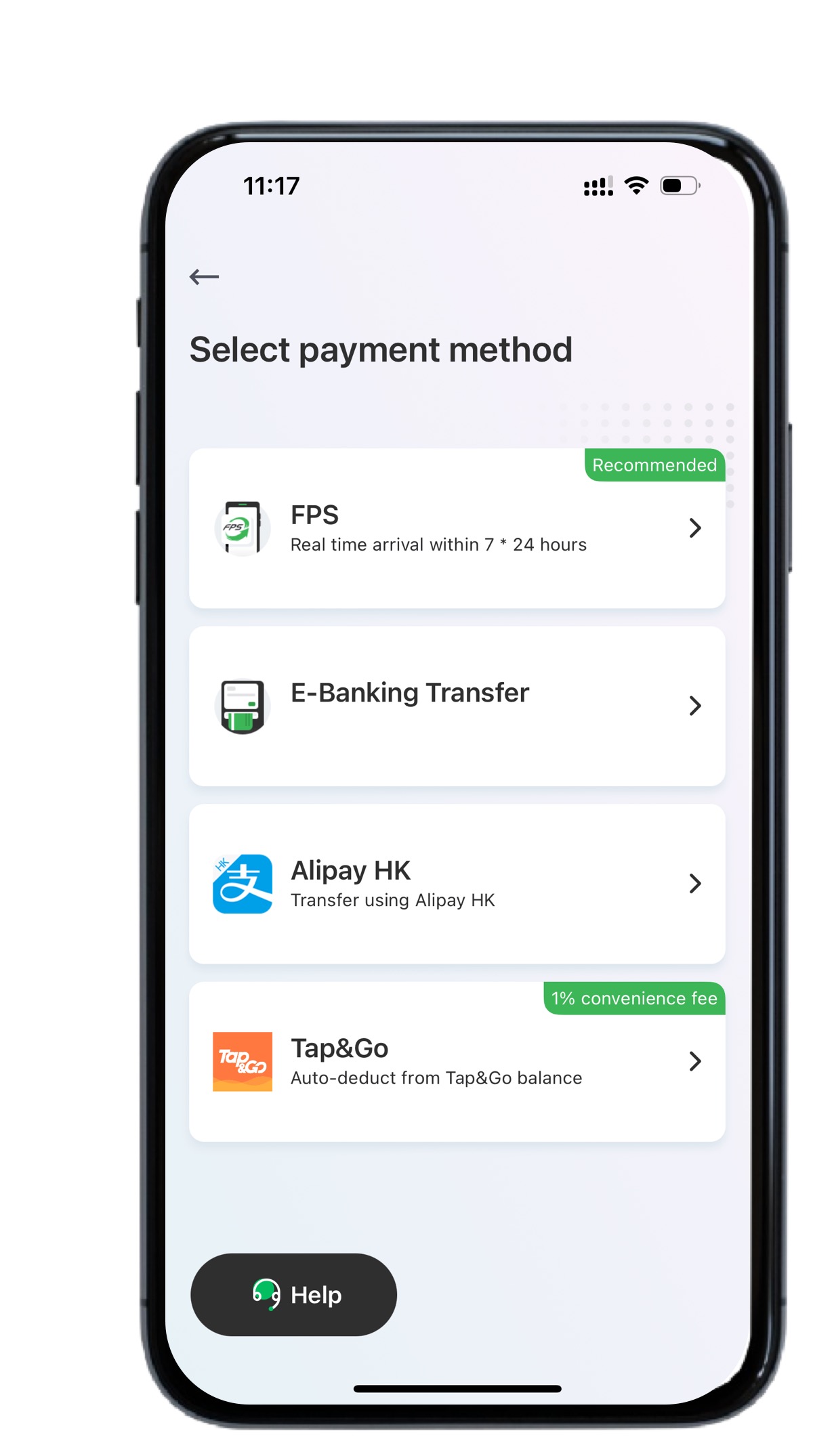
Take bank receipt as an example:
Fill in the information required for the receipt profile.
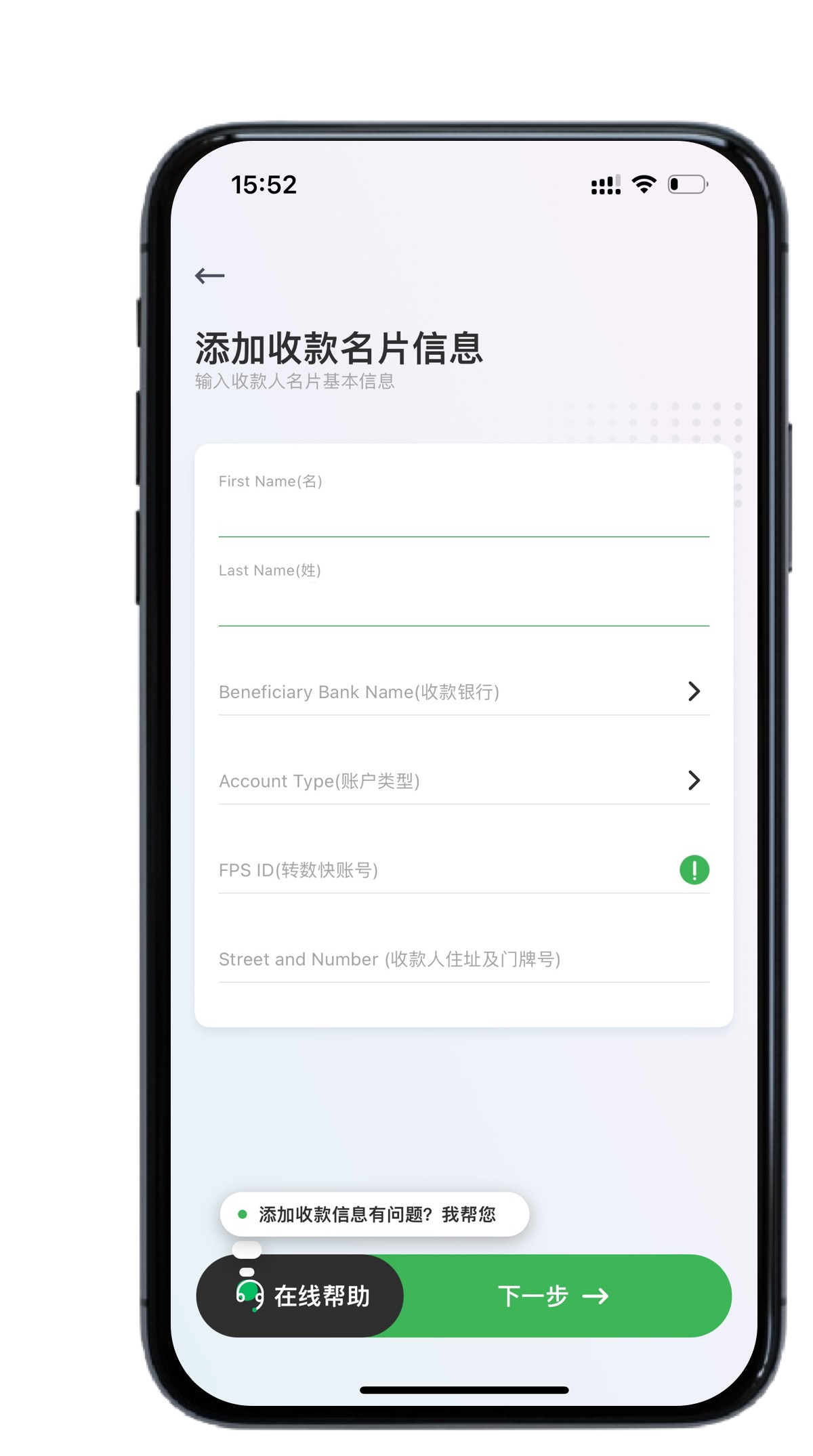
Select the receiving bank.
Fill in the account number of the receiving bank, mobile phone number of the payee and permanent address of the payee.
Confirm the payee's information.
That is, the payee's business card is successfully added.
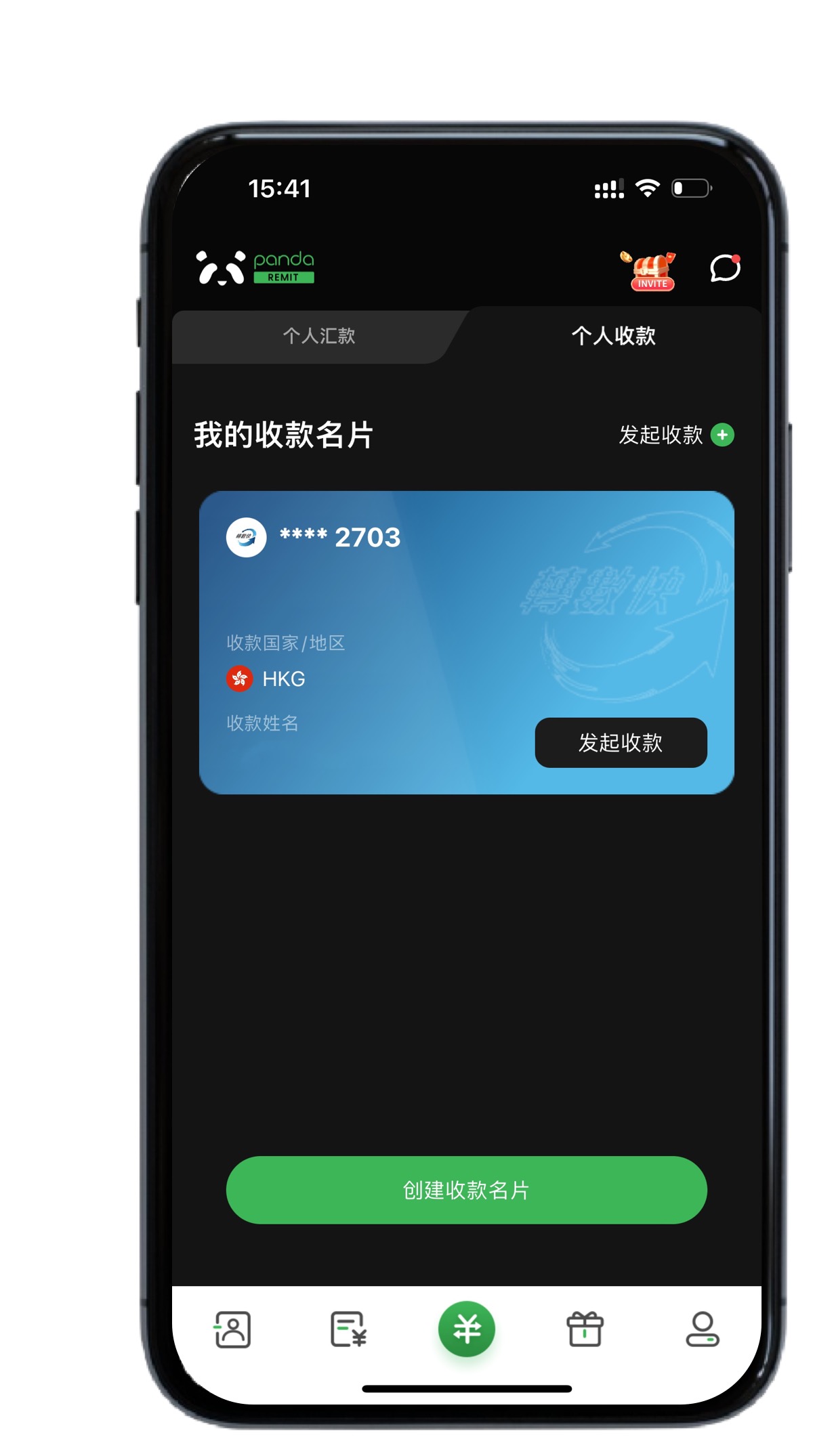
02
If you need to add a foreign payee, you need to upload your local identity document and complete the face recognition verification.
Step 1: Select the payee's country/region.
Take Australia as an example:
Step 2: Select the required payment method.
Fill in the information required for the receipt business card.
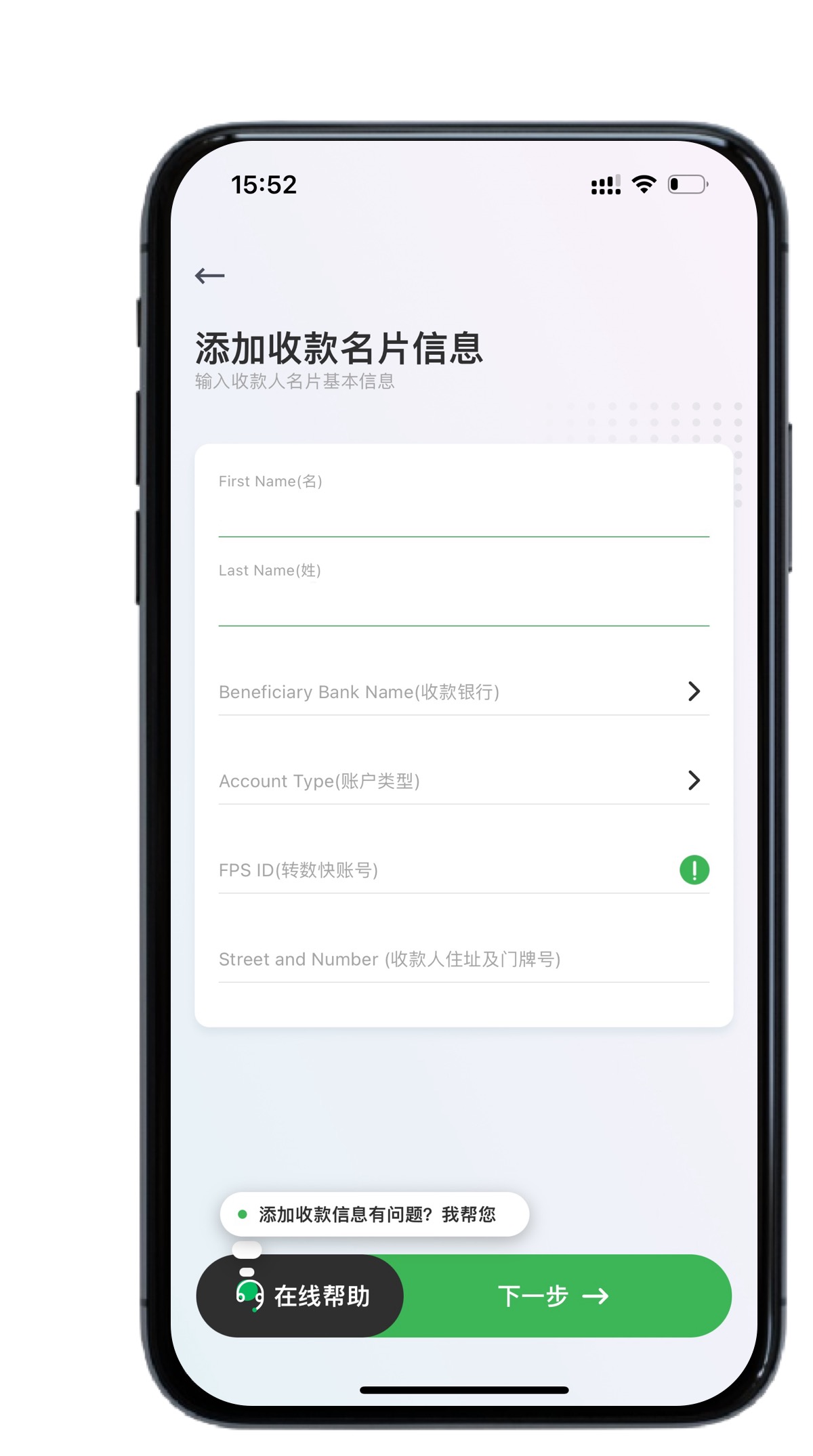
Confirm the payee's information.
Select the type of document you want to upload.
Take an Australian driver's license as an example:
Take a photo of the front of the driver's license and the back of the driver's license.
Complete the face recognition.
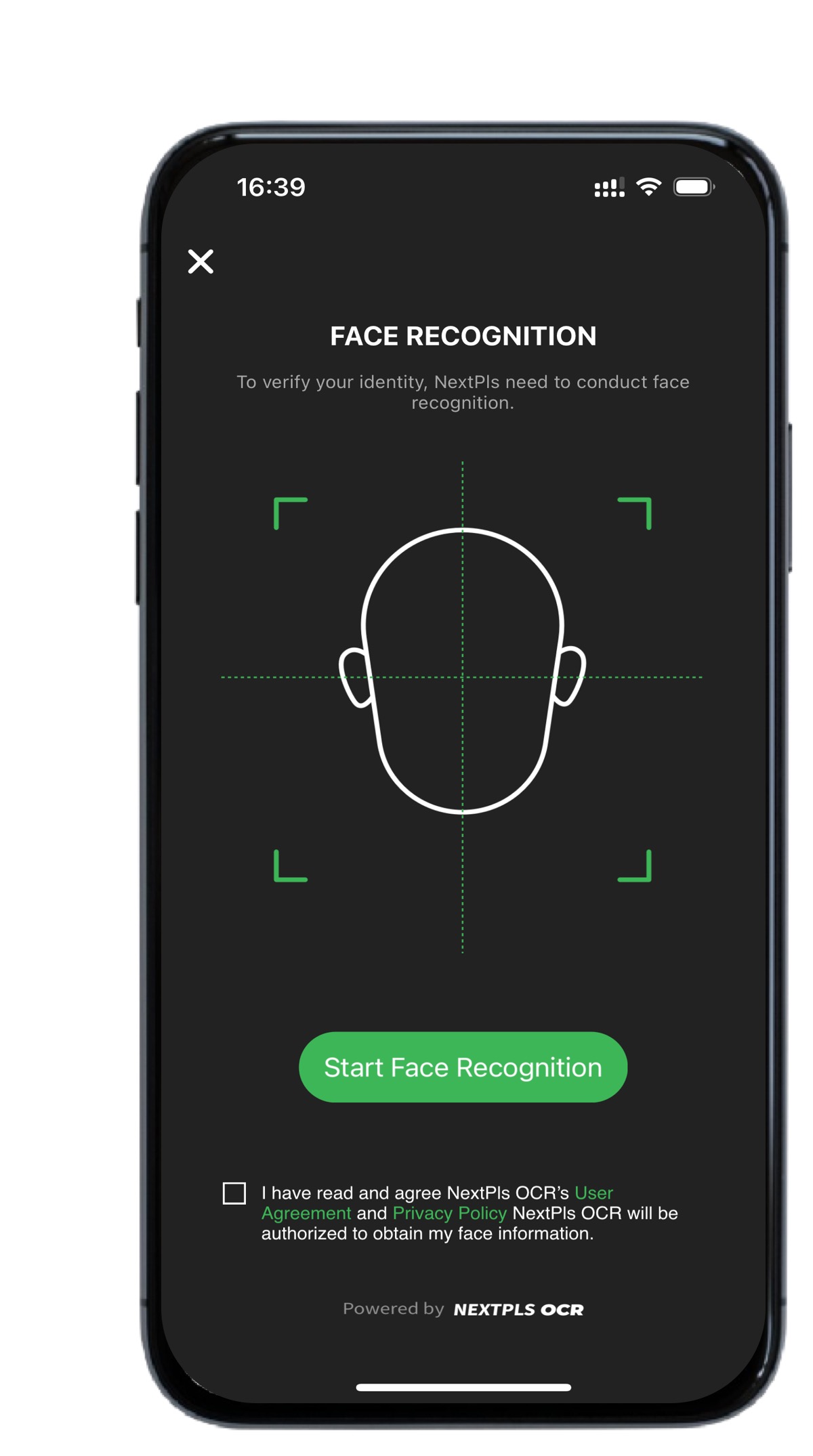
That is, the payee's card is successfully added.
03
If you are a user who opened an account in China
You need to upload your local identity document and complete the face recognition verification.
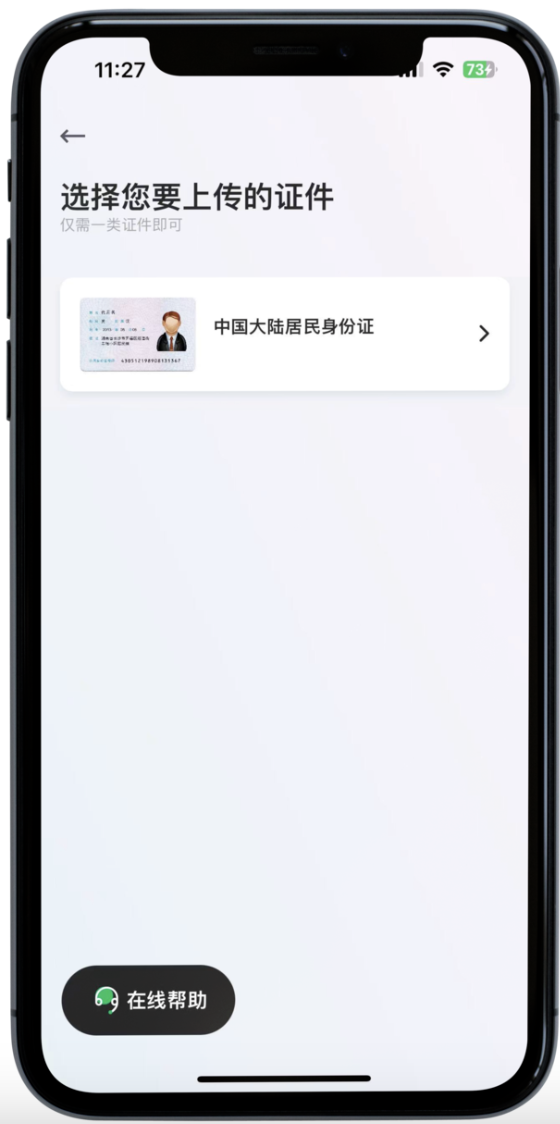
Click to upload the Mainland China ID card.
Take a photo of the front of the ID card and the back of the ID card.
Complete the face recognition.
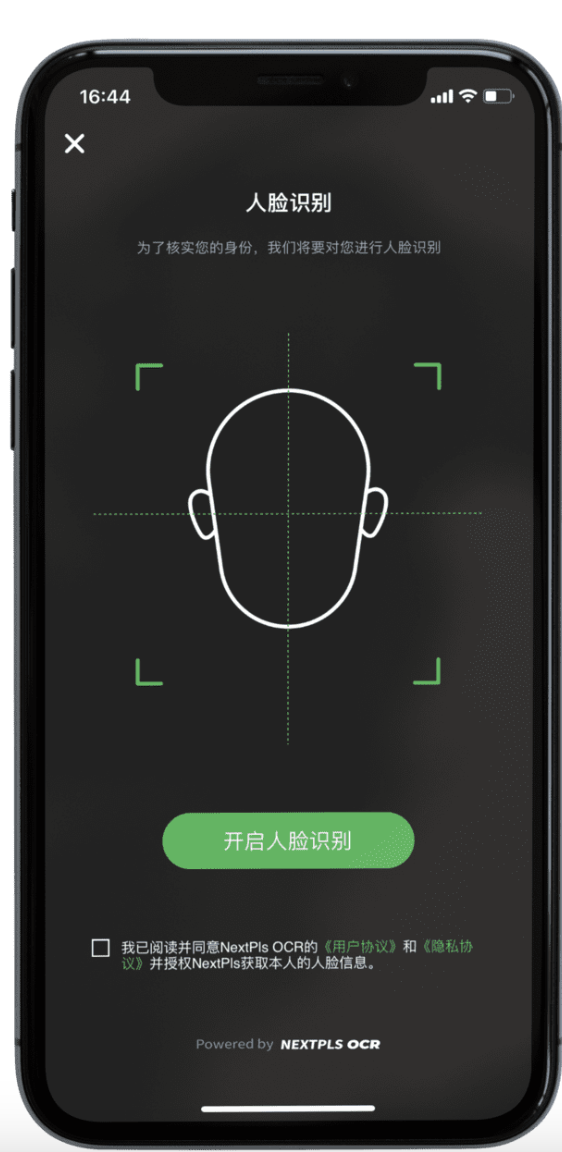
That is, the payee's business card is successfully added.