How to add Starryblu Account via Overseas Bank Transfer
PandaRemit - 2025-05-28 14:42:13.0 795
Start earning with Panda — open your account and follow the guide!
Step 1: Tap the "+" Add Button
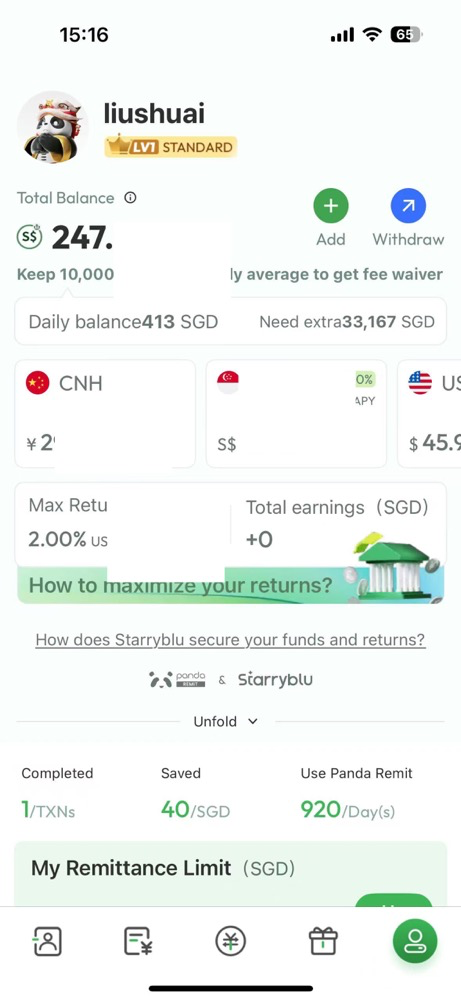
Step 2: Select Your Payment Method
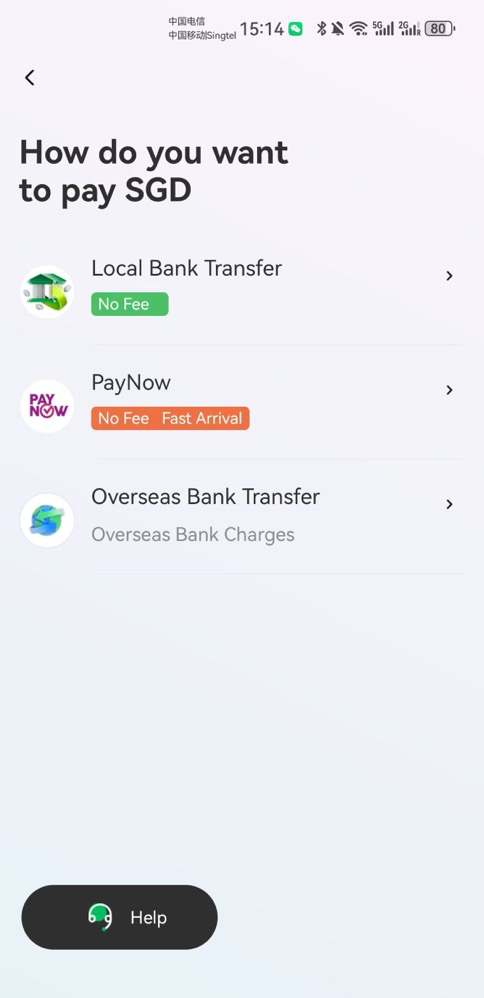
Step 3: Check your Starryblu Cross-Border Account
The system will generate a set of international bank details for your top-up, including:
-
Bank Name
-
Bank Address
-
SWIFT Code
-
Beneficiary Name
-
Account Number / IBAN
-
Reference Code (Payment Note)
⚠️ Please enter the correct Reference Code in your bank’s payment note or remarks section to ensure automatic crediting.
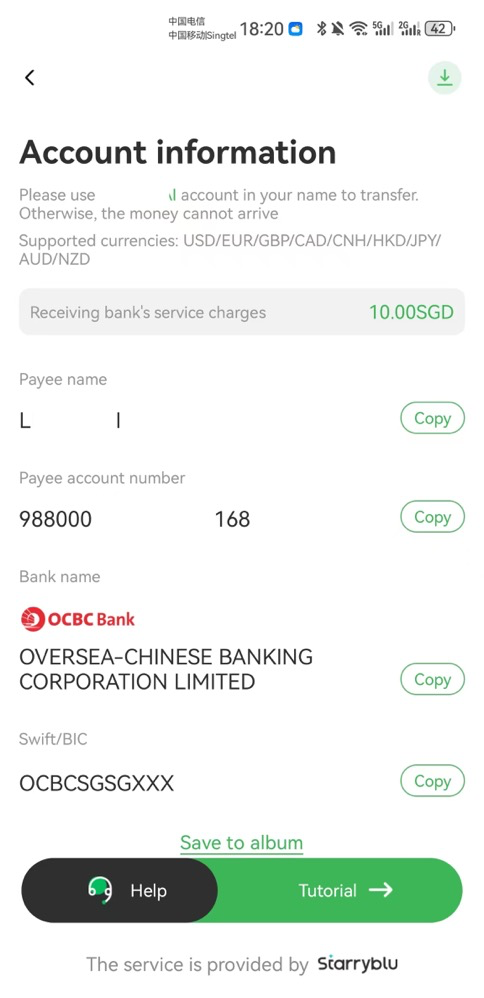
Step 4.Select a Cross-Border Banking App

Step 5.Choose the International Transfer Option
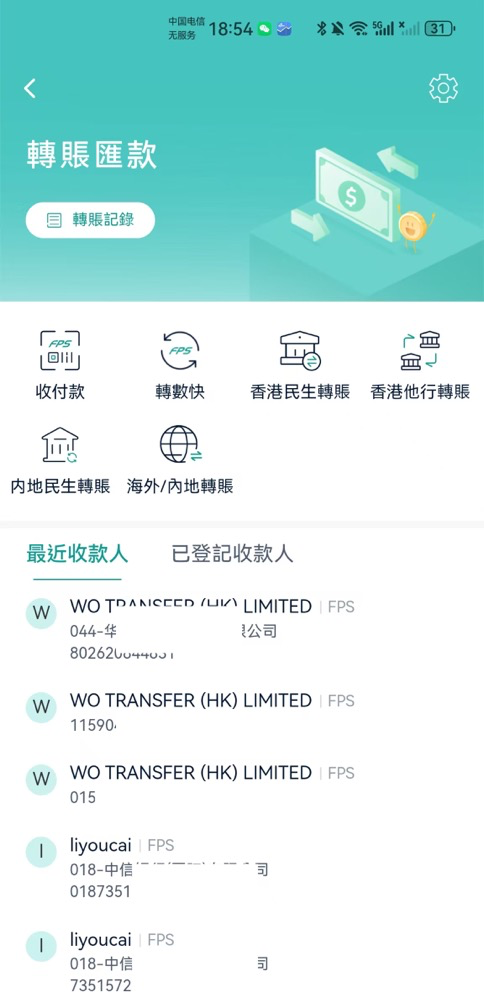
Step 6. Find and Add Your add Account in Panda Remit App
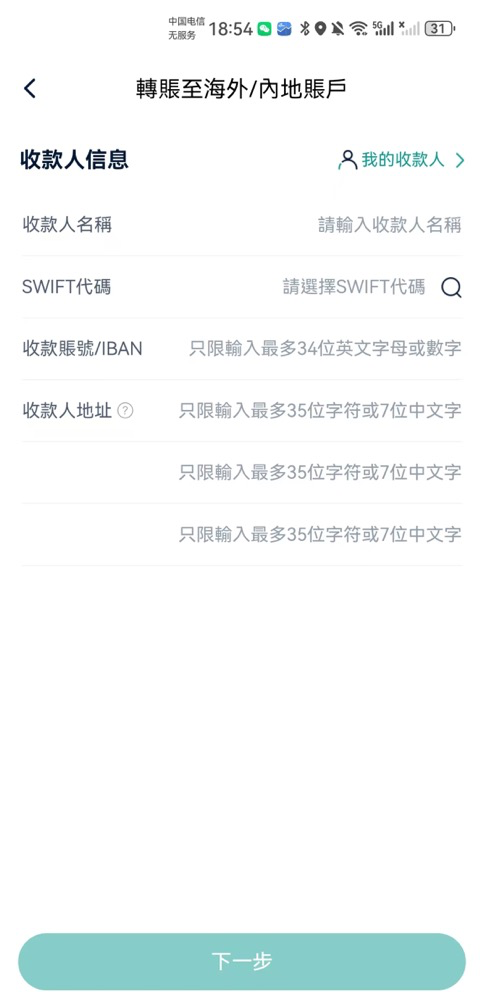
Step 7. Wait for Auto Crediting
The system will automatically process your transfer and credit your Starryblu balance within a few minutes (local transfer) or 1–3 business days (SWIFT transfer).